ACSL+
Change or Reset Password Guide
1. Users can change your own password by visiting the Change Password section from the left panel.
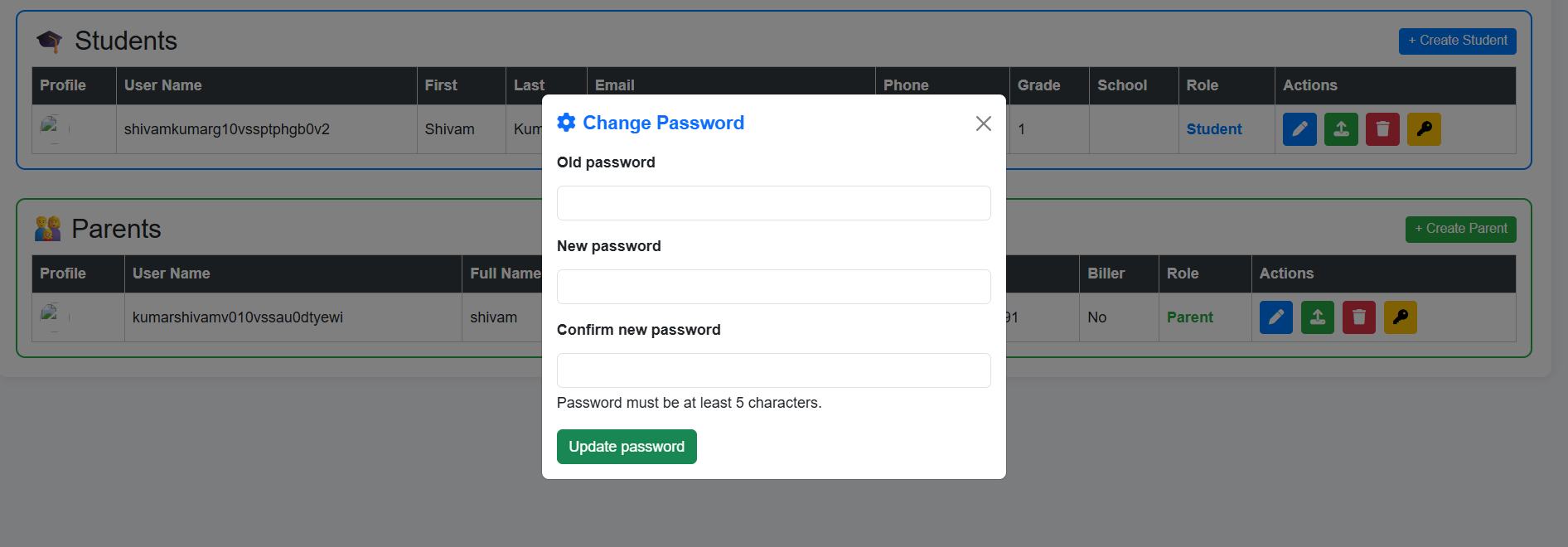
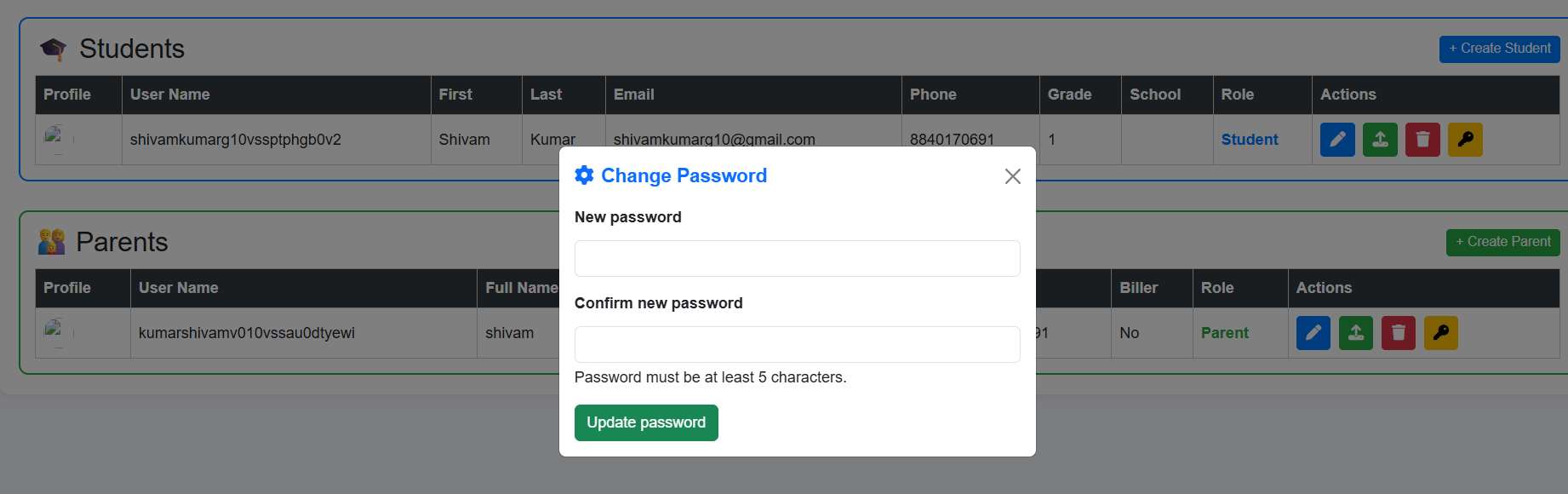
2. An Administrator, Instructor or a Parent can change the password of their concerned student by simply visiting the profile of student and clicking on the key icon, WITHOUT specifying the old password of student.
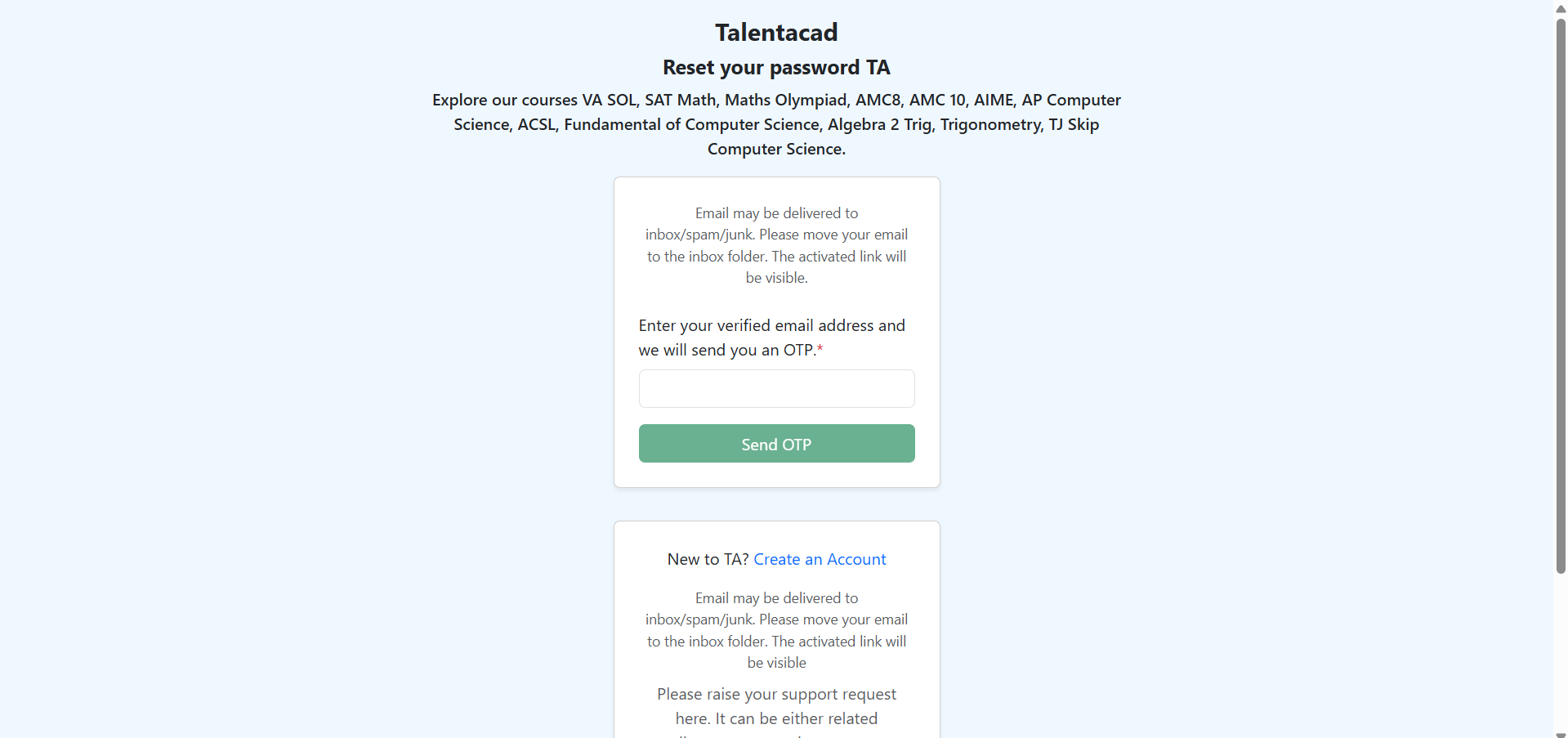
3. You can also click on the Forget Password. Enter your email. You will recieve an email, with the OTP (One-Time Password). Enter the OTP and you will see the New password field and confim password field.